


📢 IMPORTANT — READ THIS FIRST BEFORE UPLOADING YOUR PROJECT
Before you begin uploading your class project to the SHORE Community Platform, please read this guide carefully. It is essential that you follow all steps to ensure your project is displayed correctly during the public voting session.
📘 What This Guide Includes
-
A step-by-step walkthrough of how to prepare your project entry
-
Technical and content requirements (image sizes, text limits, etc.)
-
A complete example template you can use as a reference
🛑 Important Note
This template is not for project reporting.
The information you provide here will be publicly visible on the platform during the voting session.
You will still need to report your work and progress separately to your mentor.
A downloadable reporting form is included within this guide — fill it out and attach it to your submission as instructed.
You’ll find this document under the “Document” heading at the end of this template.
🔑 How to Start Uploading Your Project
To unlock the ability to add your project to the platform:
-
Go to the User Guide Videos section.
-
Follow the instructions in the video to activate the project upload feature.
-
Once completed, you can start filling in your project information.
📄 Project Template Requirements
All the following information must be entered into the “Message” field on your project’s editing page:
-
Project Name
-
School Name
-
Main Header Image
-
Size: 1200 × 800 pixels (double-click to resize)
-
⚠️ If images include visible faces of children, they must be blurred for privacy protection.
-
-
Short Description Text
-
Max 200 characters
-
-
Full Text Body
-
Max 2000 characters
-
Should explain:
-
What the project is about
-
What has been done
-
Project goals or outcomes
-
-
-
Three Additional Images
-
Size: 800 × 800 pixels each (double-click to resize)
-
Should illustrate key parts of the project
-
⚠️ If images include visible faces of children, they must be blurred.
(Note: Only 3 additional images are required for the SHORE Community Platform project entry. However, your Final Project Report must include at least 8 images illustrating the project process and results. The SHORE Blue Project Final Report template is provided below.)
-
📌 Final Reminder
This version of your project template will be the final version used in the public voting session.
Please ensure all content is complete, well-formatted, and accurate before submission.
📷 Example Template
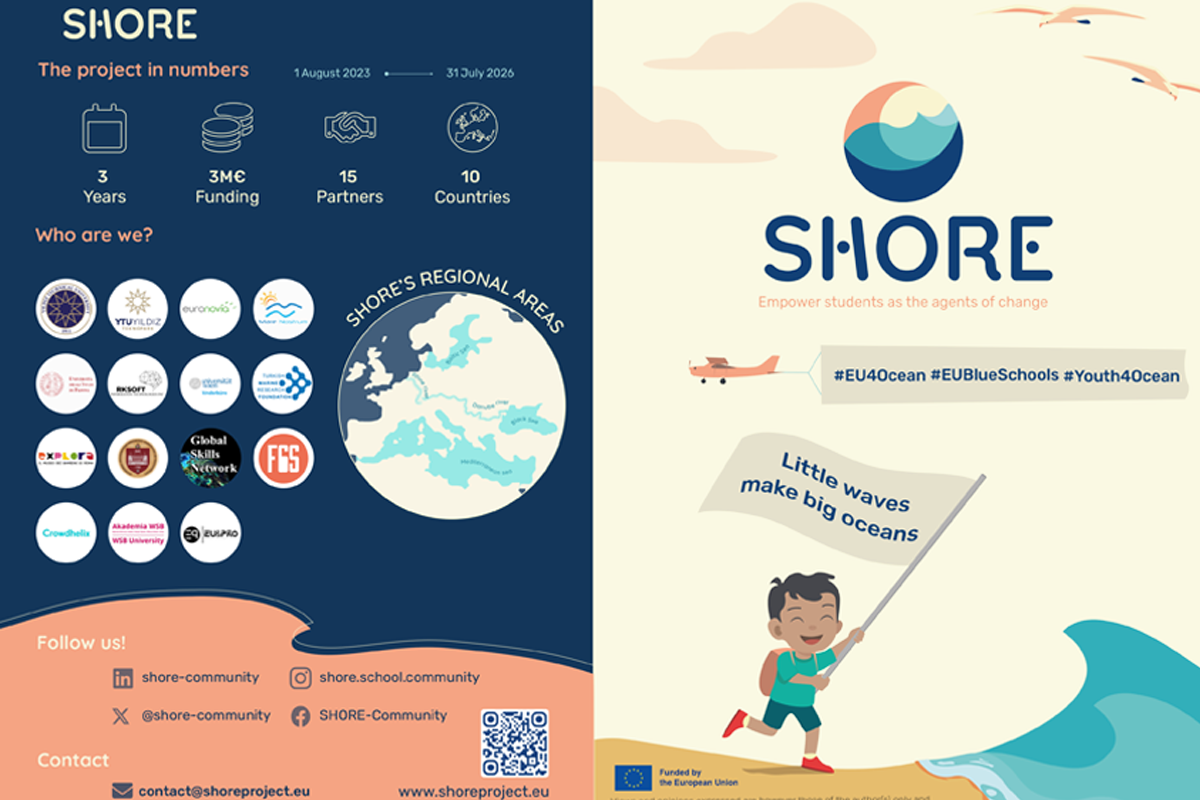
Here is a fully completed example project template, including all required text and images, so you can see what your final entry should look like:
Blue Guardians: Protectors of Our Local Waters
by
Greenleaf Secondary School
Short Description (max 200 characters):
Students researched local water pollution and launched a campaign to raise awareness and reduce plastic waste in their town.
Text Body (max 2000 characters):
Our project, Blue Guardians, focuses on understanding the causes and effects of water pollution in our local area. After observing pollution in nearby streams and lakes, our class conducted field research, collected water samples, and documented plastic waste levels.
We then created educational posters, social media content, and organized a local clean-up day with the help of community members and local businesses. Throughout the project, we learned about marine ecosystems, the impact of human activity, and the importance of environmental stewardship.
The project not only helped us connect with nature and our community, but also showed us how small actions can lead to big change. Our goal is to inspire other schools and communities to take action for clean water and a healthier planet.
Document
Final Project Report Template:
SHORE Blue Project Final Report
Reminder: Please include at least 8 images in your Final Project Report to document your project activities, results, and key steps
Extra Image 1:
Extra Image 2:
Extra Image 3: